Blog › Planner palettes · 2 min read
Witching hour colour palette: Halloween hex codes for your planner
Purple, pumpkin and moss, with a pale bone neutral. Halloween colours that still look grown-up on a working week.
Witching hour
Tap a colour to copy it
Where each colour goes
| Colour | Hex | Use it for |
|---|---|---|
| Work (midnight purple) | #4B3869 | Work blocks, in a purple deep enough to take seriously |
| Health (pumpkin) | #D9822B | The bright one, for walks and anything outdoors |
| Personal (bone) | #D8D2C4 | Parties, film nights and trick-or-treating |
| Goals (moss) | #5F7A4A | The costume, the decorations and other projects |
| Accent (black cat) | #241B33 | Buttons, today’s date and highlights |
| Protected time (moonlit mist) | #EFEAF5 | A faint lilac wash over your protected time |
Spooky, but still a planner
Purple and orange are the two colours everyone reads as Halloween. On their own they’re a lot, so each gets one job: purple for work, pumpkin for the short Health blocks. Moss and bone calm the rest of the week down. It’s the same trick as a good costume: one strong idea, and everything else stays simple.
Your week in witching hour
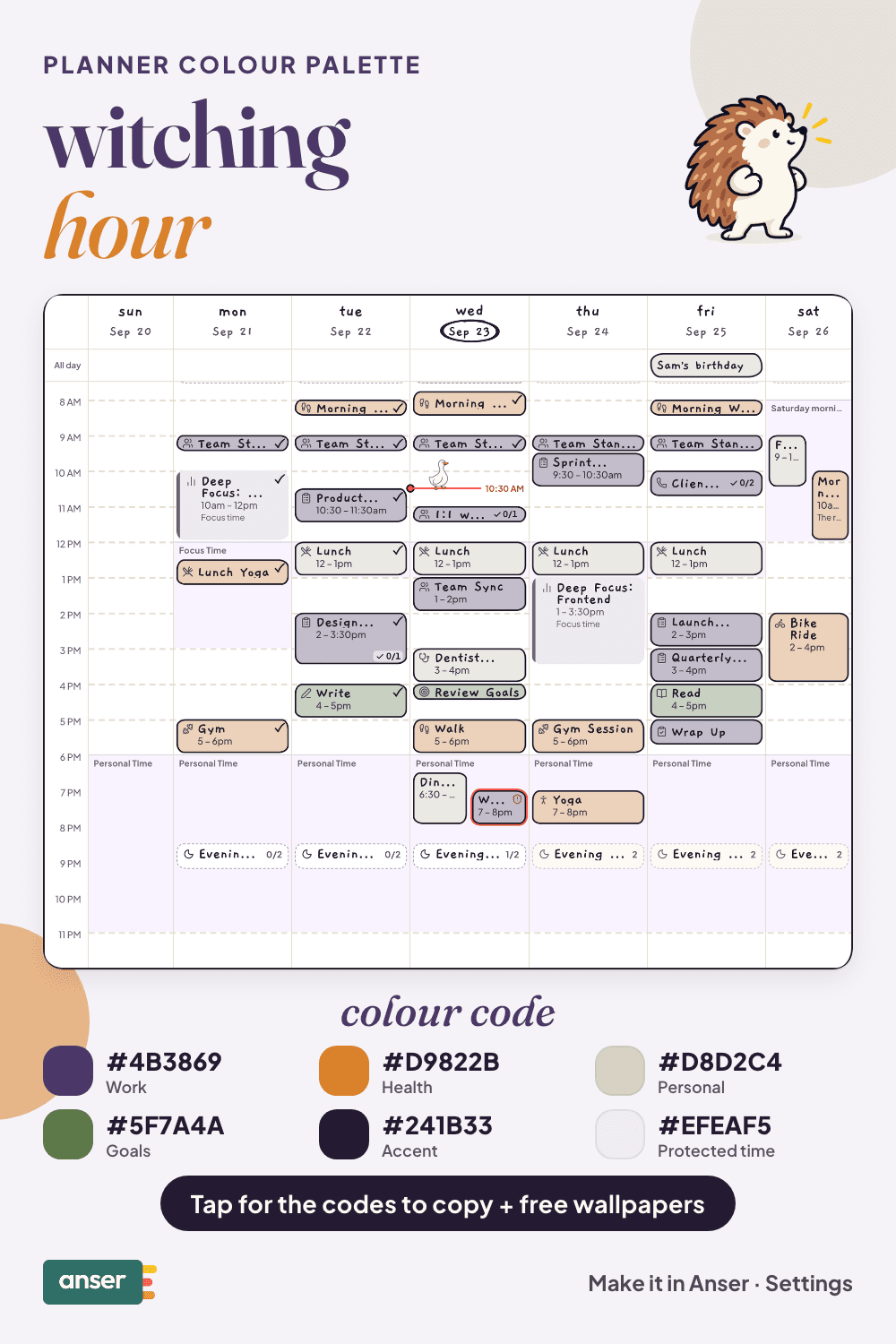
Halloween week, planned
Halloween is on a Saturday this year (31 October), so the week before can do most of the work:
- The weekend before: sort the costume while the shops still have things.
- Monday: buy the sweets, and hide them.
- Thursday: carve the pumpkin. Carved late, it still looks good on the night.
- Friday: a scary film, or a not-very-scary one.
- Saturday: keep the evening free.
Make it in Anser
The quickest way: tap Use this palette in Anser on the palette. It opens on your own week, to keep or undo. To set it up by hand:
- In Anser, open Settings › Categories. Tap the colour next to Work and paste its hex code. Do the same for Health, Personal and Goals.
- Open Settings › Appearance › Colours and tap Save as my palette, so you can switch back any time.
- Still in Colours, under Accent, choose Your own and paste the accent.
- Open Settings › Boundaries › How protected time looks, choose Your own and paste the protected time colour. It also colours your Deep Focus time.
Changed your mind? Your saved palettes are under See all in Settings › Appearance › Colours.
Free downloads in witching hour
Free witching hour downloads
- Phone wallpaper (October)PNG · 87 KBDownload Phone wallpaper (October) (PNG · 87 KB)
- Desktop wallpaper (October)PNG · 84 KBDownload Desktop wallpaper (October) (PNG · 84 KB)
- Phone wallpaper (November)PNG · 85 KBDownload Phone wallpaper (November) (PNG · 85 KB)
- Desktop wallpaper (November)PNG · 83 KBDownload Desktop wallpaper (November) (PNG · 83 KB)
- Printable week (A4)PDF · 740 KBDownload Printable week (A4) (PDF · 740 KB)
- Printable week (US Letter)PDF · 736 KBDownload Printable week (US Letter) (PDF · 736 KB)
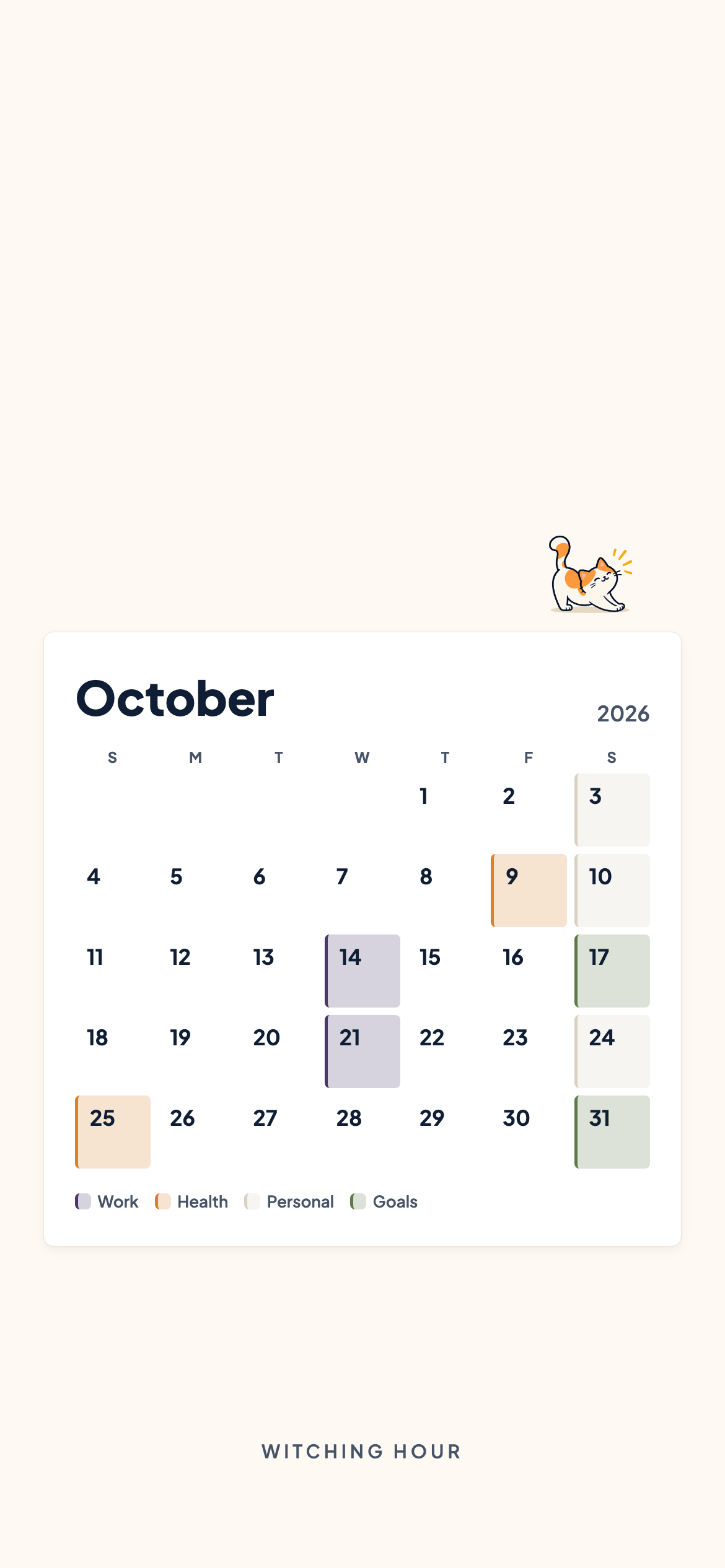
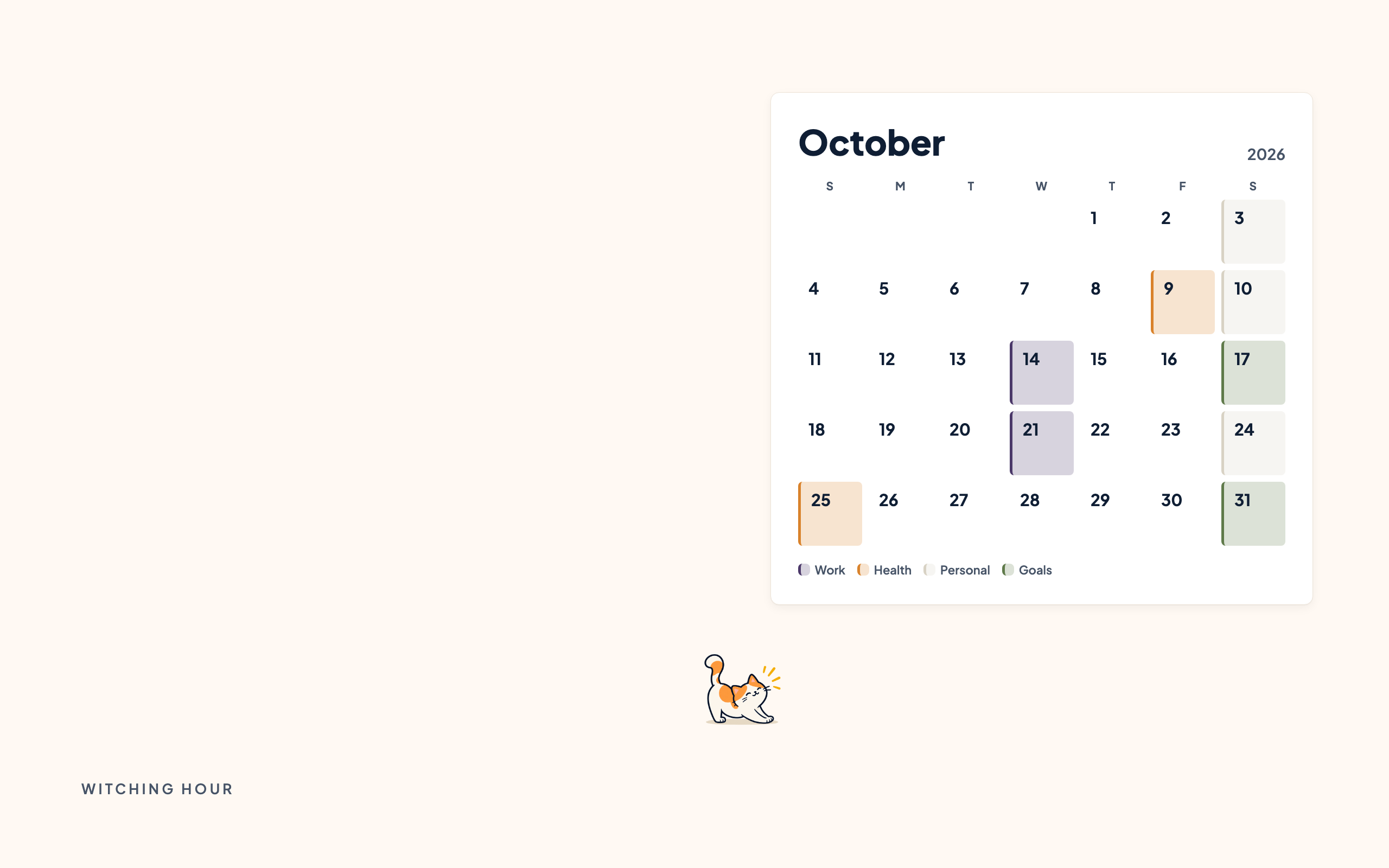
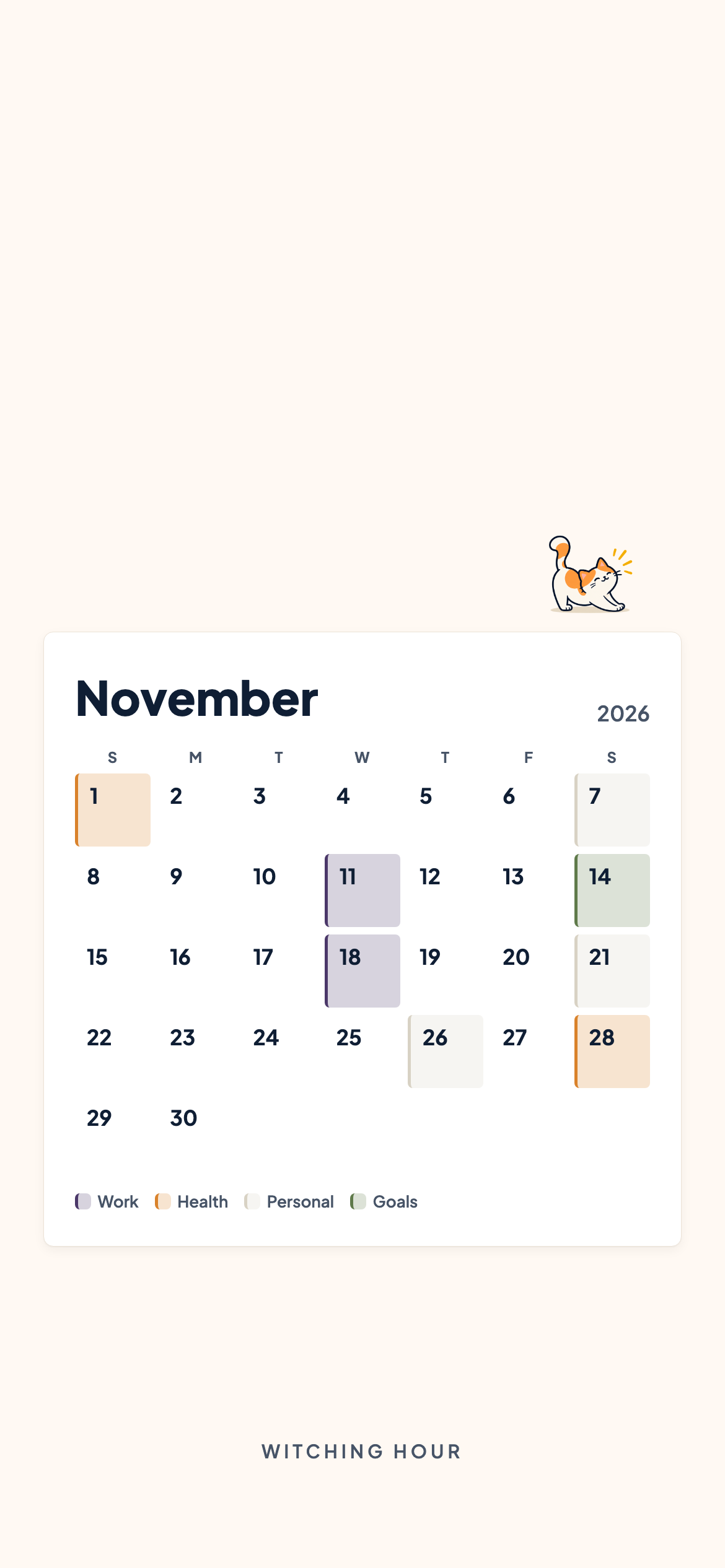
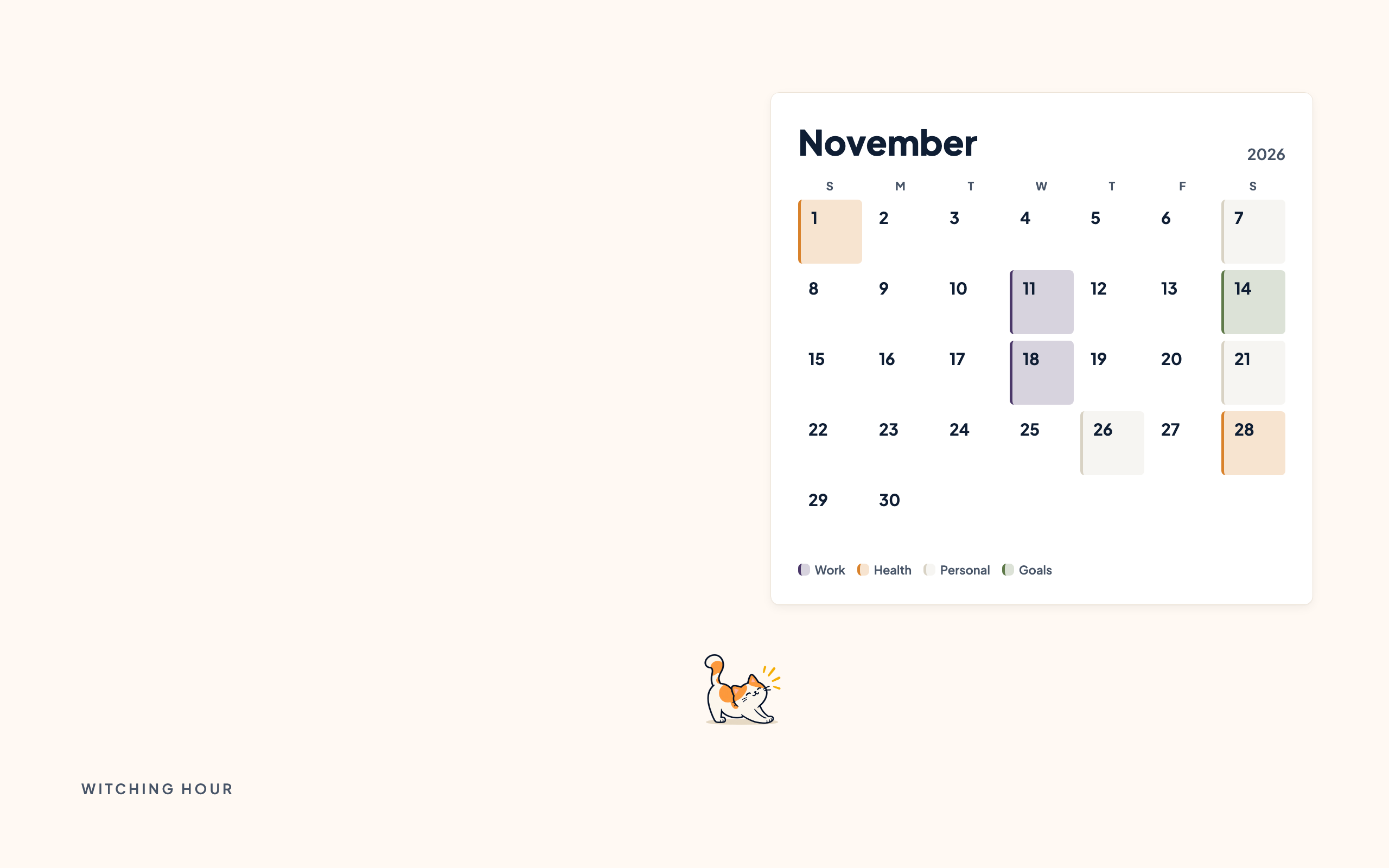
October and November calendar wallpapers for your phone and desktop, and a printable week in A4 and US Letter.
Pair it with a calm week
3 priorities. Lots of buffer. That’s the schedule. The Low-Overwhelm Day is a free schedule template you can add to your calendar or preview in Anser.
Use this in Anser
The Low-Overwhelm Day
See it on your own week first. One tap to undo.
More palettes like this
Try Anser free for 14 days, no card needed. A calm weekly planner that works with your Google Calendar, in the colours you like.
Comments
No comments yet.