Blog › Planner palettes · 2 min read
Sweater weather colour palette: soft neutral hex codes with a pop of mustard
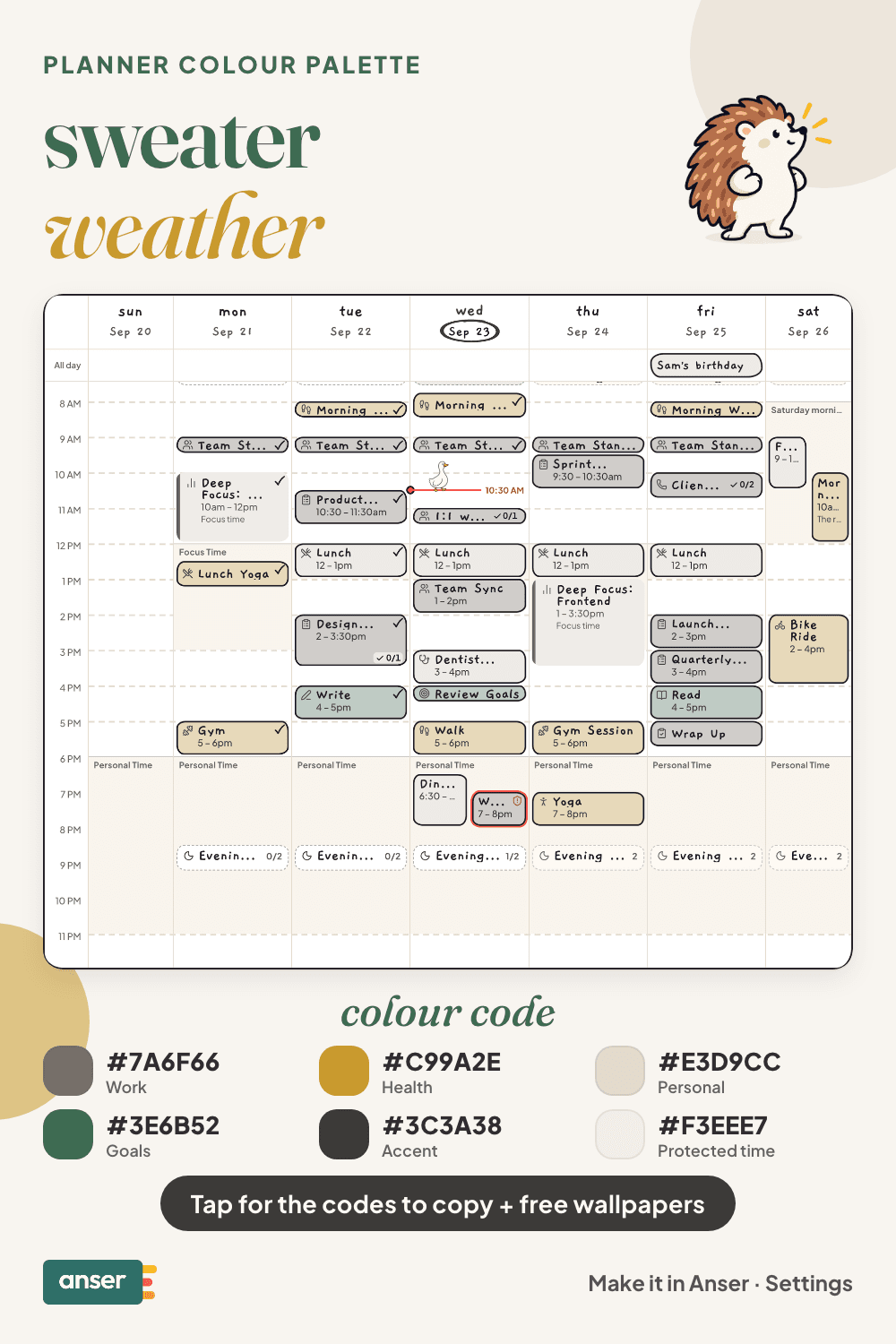
An oatmeal knit, heather grey, a pine green and one mustard scarf. It’s the quietest palette in the fall set, with a single bright note.
Sweater weather
Tap a colour to copy it
Where each colour goes
| Colour | Hex | Use it for |
|---|---|---|
| Work (heather) | #7A6F66 | Work blocks, in a warm grey that never competes with anything |
| Health (mustard) | #C99A2E | The bright one, for the block that’s easiest to skip |
| Personal (oatmeal) | #E3D9CC | Evenings in, calls and weekends |
| Goals (pine) | #3E6B52 | Study, side projects and long-term plans |
| Accent (charcoal) | #3C3A38 | Buttons, today’s date and highlights |
| Protected time (wool white) | #F3EEE7 | A soft wash over your protected time |
Three neutrals and one bright
Mustard is on Health on purpose. In a week of greys and creams, your eye lands on the bright colour first, so it goes to the thing that most often gets dropped: the walk, the class, the lunch away from your desk. If Health isn’t the one you skip, swap it. Give the mustard to whichever category you want to see more of.
Your week in sweater weather
A first-cold-week list
- Find the gloves before the morning you need them.
- Move your walk to lunchtime, while it’s still light.
- Swap the wardrobe over in one go, on a weekend afternoon.
- Pick one evening to stay in, and put it on the calendar like a plan.
Make it in Anser
The quickest way: tap Use this palette in Anser on the palette. It opens on your own week, to keep or undo. To set it up by hand:
- In Anser, open Settings › Categories. Tap the colour next to Work and paste its hex code. Do the same for Health, Personal and Goals.
- Open Settings › Appearance › Colours and tap Save as my palette, so you can switch back any time.
- Still in Colours, under Accent, choose Your own and paste the accent.
- Open Settings › Boundaries › How protected time looks, choose Your own and paste the protected time colour. It also colours your Deep Focus time.
Changed your mind? Your saved palettes are under See all in Settings › Appearance › Colours.
Free downloads in sweater weather
Free sweater weather downloads
- Phone wallpaper (October)PNG · 88 KBDownload Phone wallpaper (October) (PNG · 88 KB)
- Desktop wallpaper (October)PNG · 83 KBDownload Desktop wallpaper (October) (PNG · 83 KB)
- Phone wallpaper (November)PNG · 86 KBDownload Phone wallpaper (November) (PNG · 86 KB)
- Desktop wallpaper (November)PNG · 82 KBDownload Desktop wallpaper (November) (PNG · 82 KB)
- Printable week (A4)PDF · 739 KBDownload Printable week (A4) (PDF · 739 KB)
- Printable week (US Letter)PDF · 735 KBDownload Printable week (US Letter) (PDF · 735 KB)
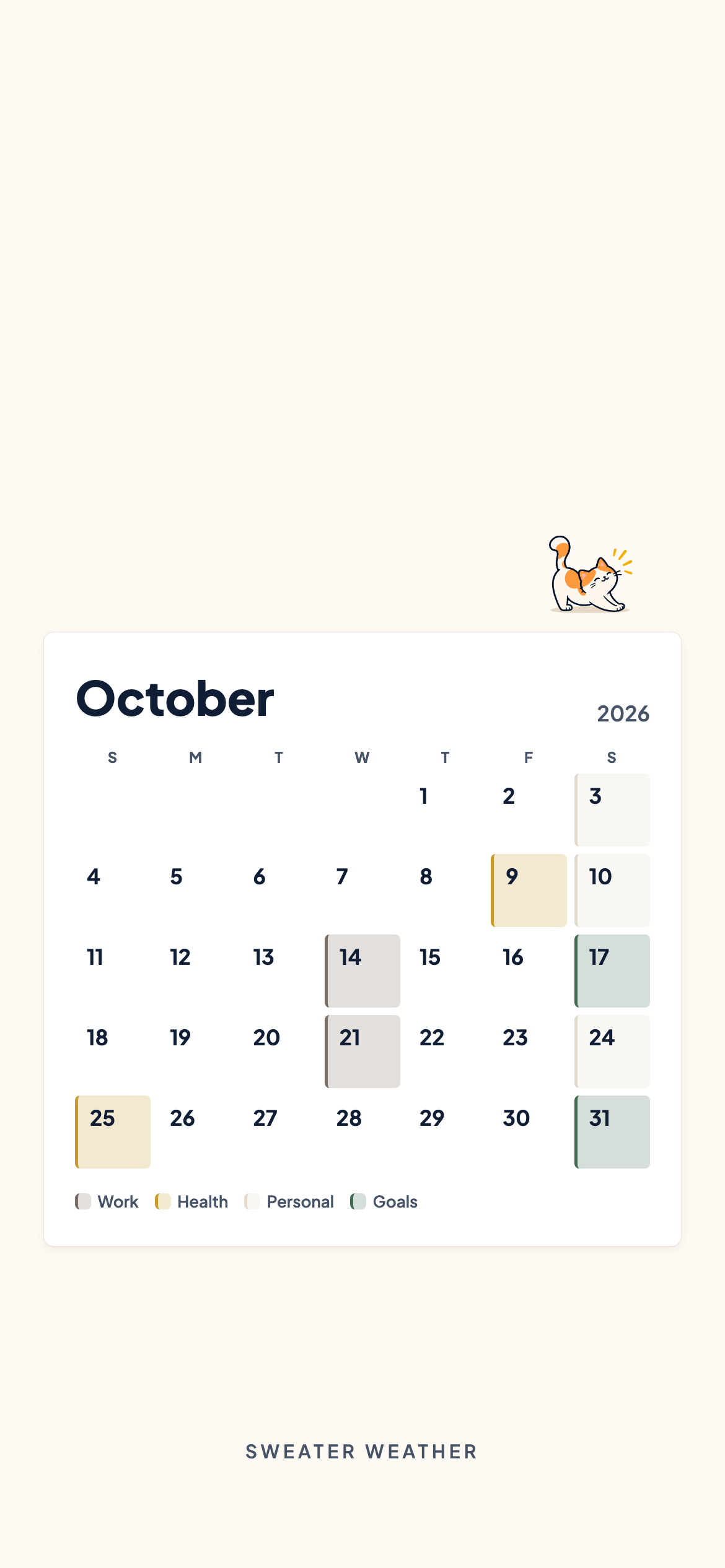

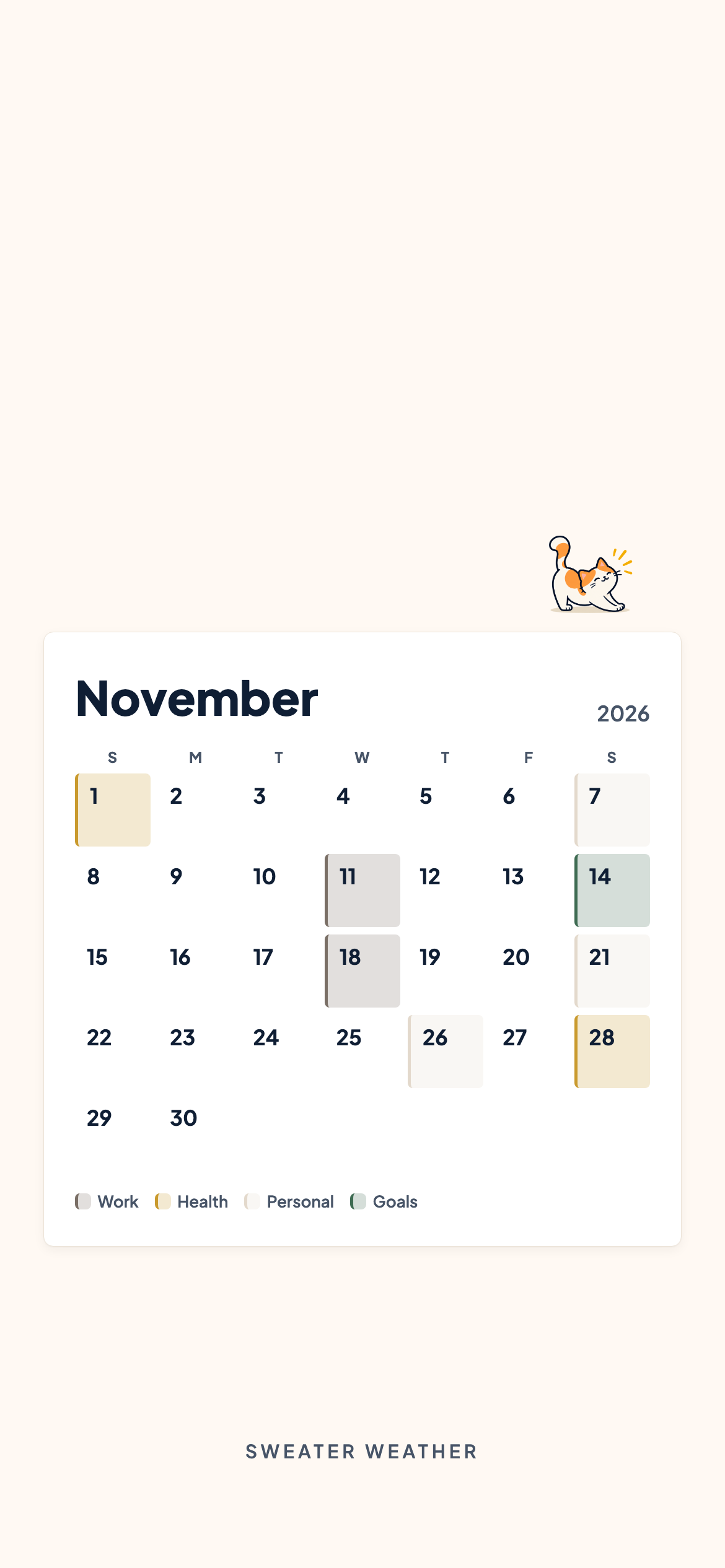
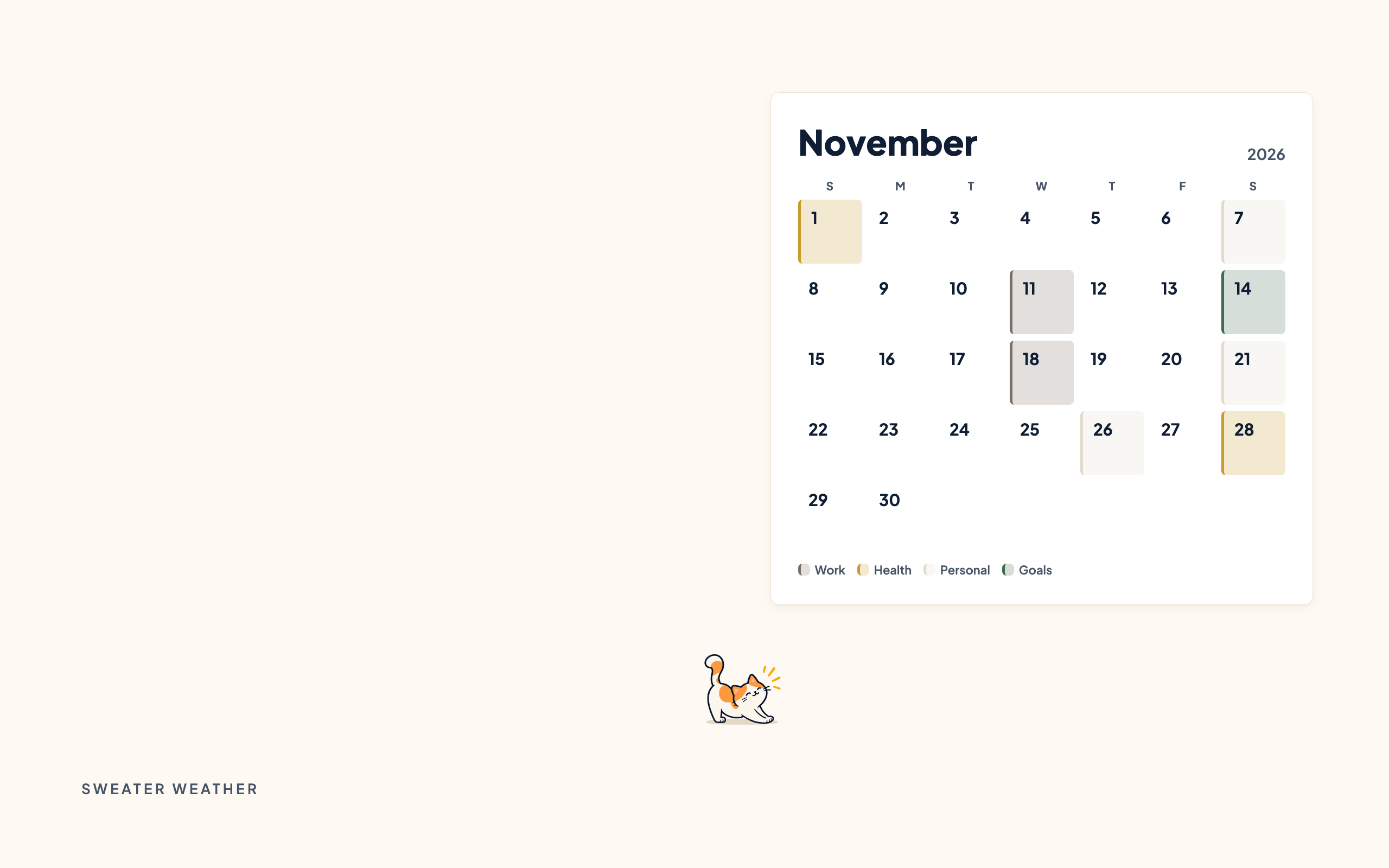
October and November calendar wallpapers for your phone and desktop, and a printable week in A4 and US Letter.
Pair it with a calm week
No commute, and the day still ends. The Work-From-Home Day is a free schedule template you can add to your calendar or preview in Anser.
Use this in Anser
The Work-From-Home Day
See it on your own week first. One tap to undo.
More palettes like this
Try Anser free for 14 days, no card needed. A calm weekly planner that works with your Google Calendar, in the colours you like.
Comments
No comments yet.