Blog › Planner palettes · 2 min read
Harvest moon colour palette: navy and gold hex codes for your planner
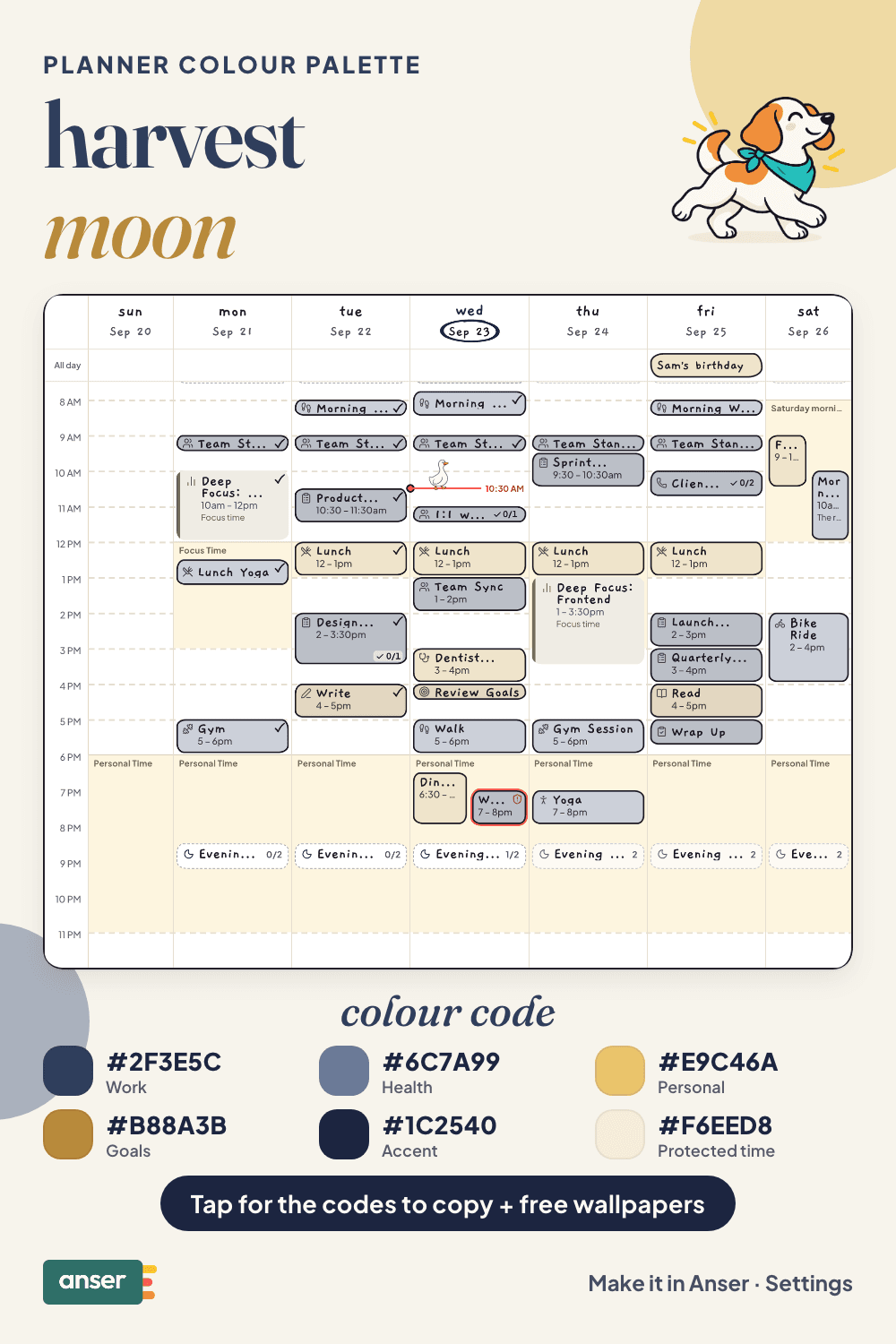
Night-sky navy with moon gold. It’s the one blue palette in the fall set, for people who like autumn evenings more than autumn leaves.
Harvest moon
Tap a colour to copy it
Where each colour goes
| Colour | Hex | Use it for |
|---|---|---|
| Work (night navy) | #2F3E5C | Work blocks, in a blue that stays calm on a full day |
| Health (dusk) | #6C7A99 | Walks at the end of the day, yoga and sleep |
| Personal (moon gold) | #E9C46A | The bright one: dinners, friends and weekends |
| Goals (wheat) | #B88A3B | What you’re working towards |
| Accent (midnight) | #1C2540 | Buttons, today’s date and highlights |
| Protected time (moonlight) | #F6EED8 | A pale gold wash over your evenings |
Gold goes on the good part
Navy and gold are near-opposites, so they never blur together. Here the gold is on Personal: the evenings and weekends are the bright spots of the week, and work sits quietly in blue around them. The protected time colour is a pale gold too, so the hours you keep for yourself glow a little.
The harvest moon is the full moon nearest the autumn equinox. It was the light farmers finished the harvest by, which makes it a good name for a palette about ending the day well.
Your week in harvest moon
An evening worth protecting
- Pick a time the day ends, and write it down. Six is a fine choice.
- Go outside once after dark. Ten minutes is enough to see the moon.
- Eat without a screen at least one night this week.
- Leave one evening empty. No plans is a plan.
Make it in Anser
The quickest way: tap Use this palette in Anser on the palette. It opens on your own week, to keep or undo. To set it up by hand:
- In Anser, open Settings › Categories. Tap the colour next to Work and paste its hex code. Do the same for Health, Personal and Goals.
- Open Settings › Appearance › Colours and tap Save as my palette, so you can switch back any time.
- Still in Colours, under Accent, choose Your own and paste the accent.
- Open Settings › Boundaries › How protected time looks, choose Your own and paste the protected time colour. It also colours your Deep Focus time.
Changed your mind? Your saved palettes are under See all in Settings › Appearance › Colours.
Free downloads in harvest moon
Free harvest moon downloads
- Phone wallpaper (October)PNG · 88 KBDownload Phone wallpaper (October) (PNG · 88 KB)
- Desktop wallpaper (October)PNG · 84 KBDownload Desktop wallpaper (October) (PNG · 84 KB)
- Phone wallpaper (November)PNG · 86 KBDownload Phone wallpaper (November) (PNG · 86 KB)
- Desktop wallpaper (November)PNG · 83 KBDownload Desktop wallpaper (November) (PNG · 83 KB)
- Printable week (A4)PDF · 739 KBDownload Printable week (A4) (PDF · 739 KB)
- Printable week (US Letter)PDF · 736 KBDownload Printable week (US Letter) (PDF · 736 KB)
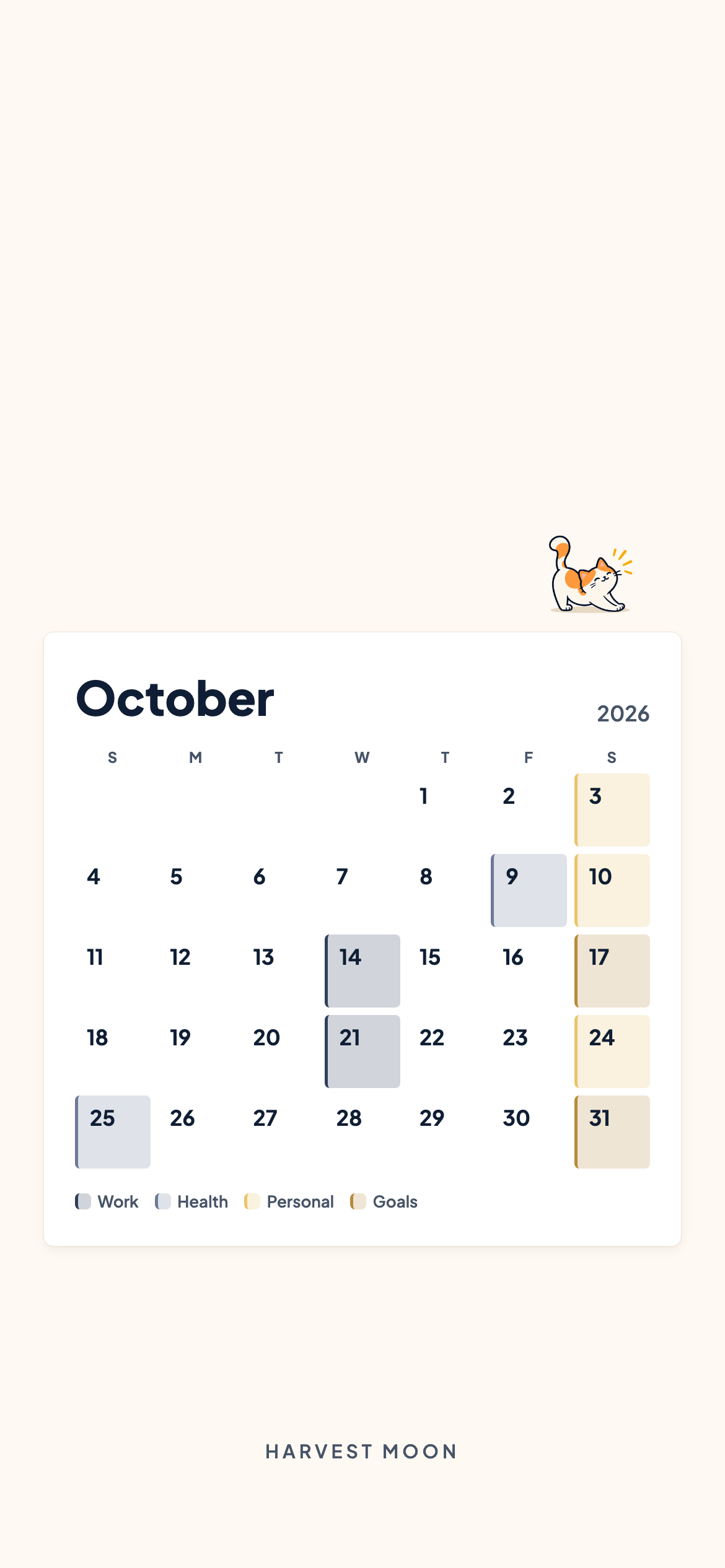

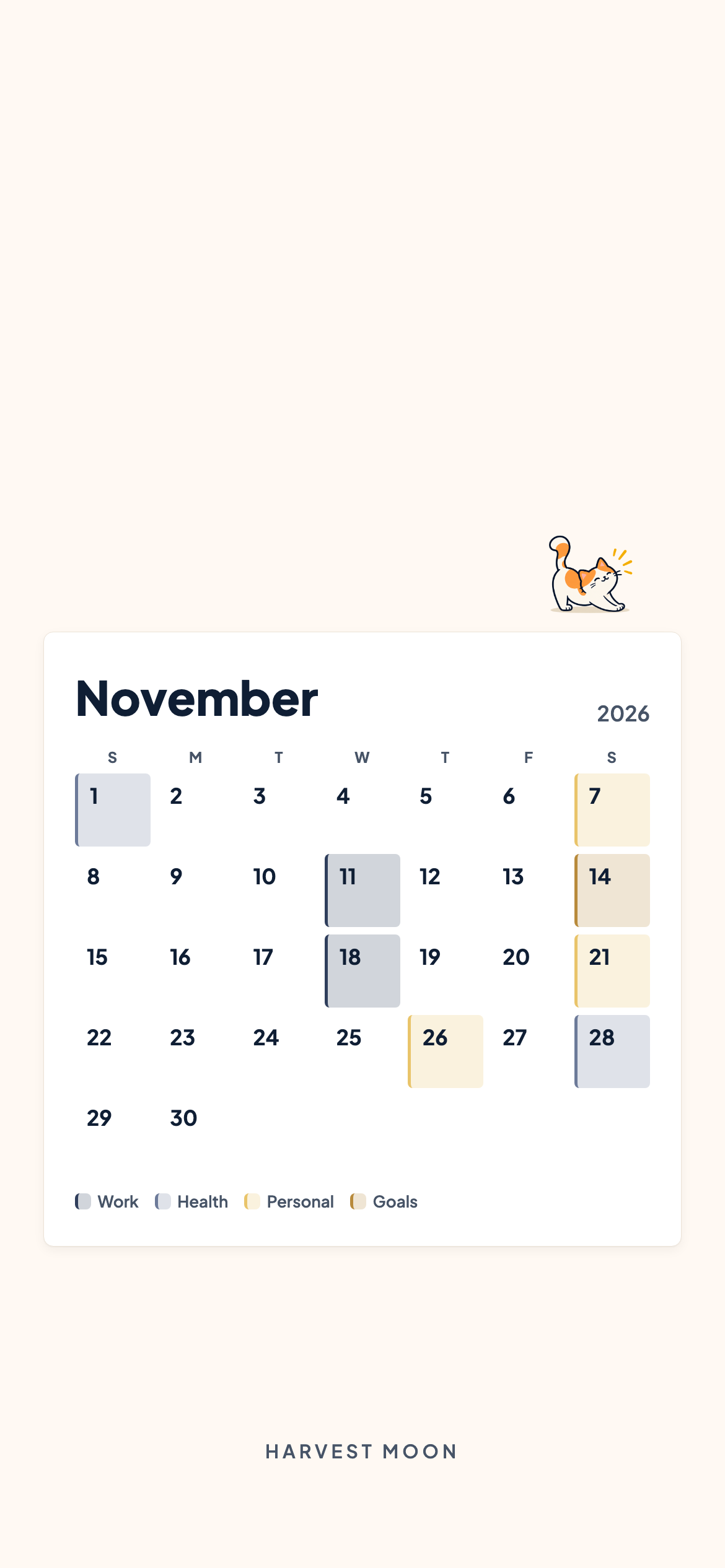
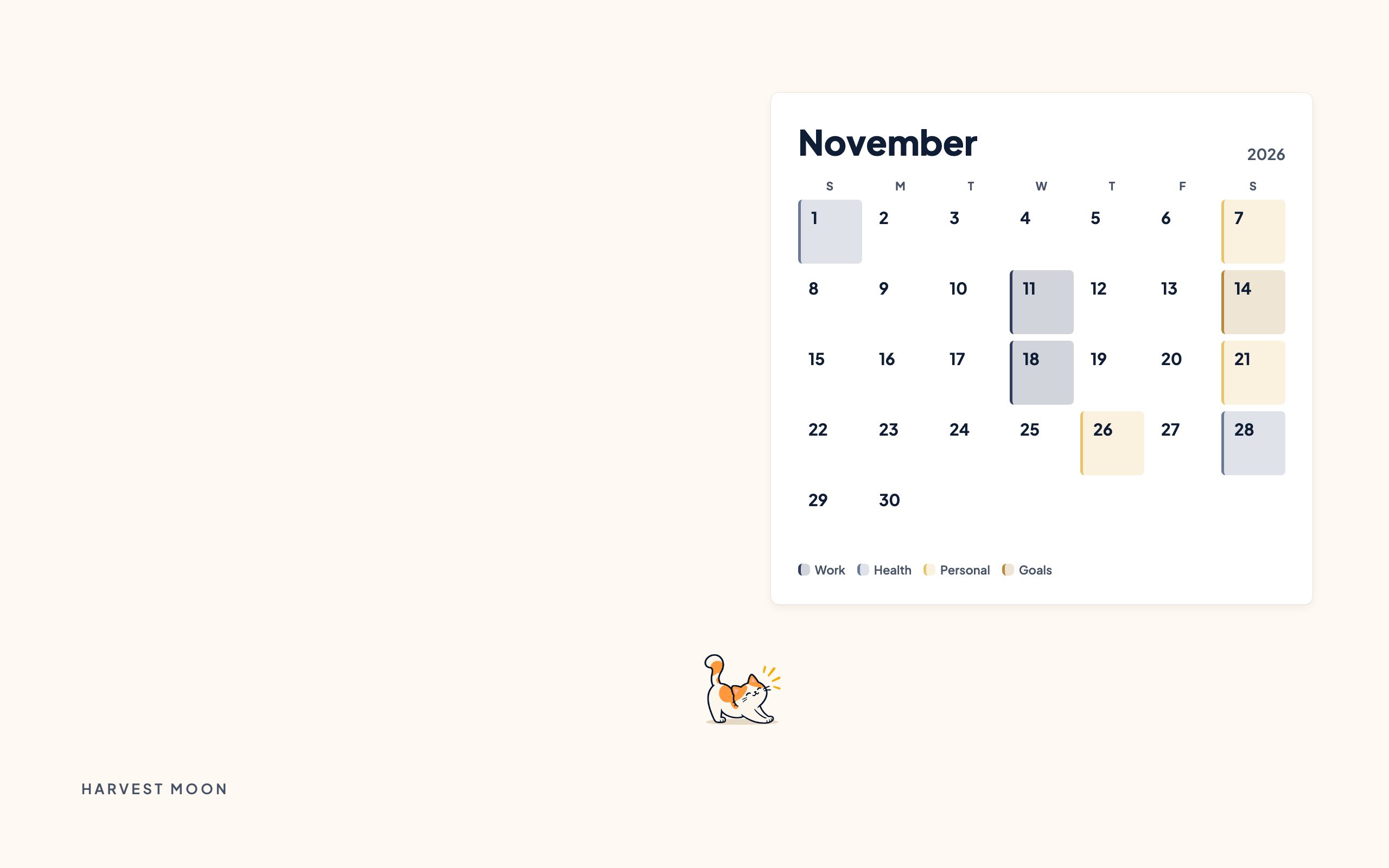
October and November calendar wallpapers for your phone and desktop, and a printable week in A4 and US Letter.
Pair it with a calm week
Your 9–5 is not supposed to become a 9–9. The 9–5 with Boundaries is a free schedule template you can add to your calendar or preview in Anser.
Use this in Anser
The 9–5 with Boundaries
See it on your own week first. One tap to undo.
More palettes like this
Try Anser free for 14 days, no card needed. A calm weekly planner that works with your Google Calendar, in the colours you like.
Comments
No comments yet.