CUSTOMIZABLE DIGITAL PLANNER
A digital planner that looks the way you like.
Pick a style, a palette, a font and a companion. Then add your own photo, a monogram and stickers. Your events sync both ways with your real Google Calendar.
Start your 14-day free trialNo credit card required.
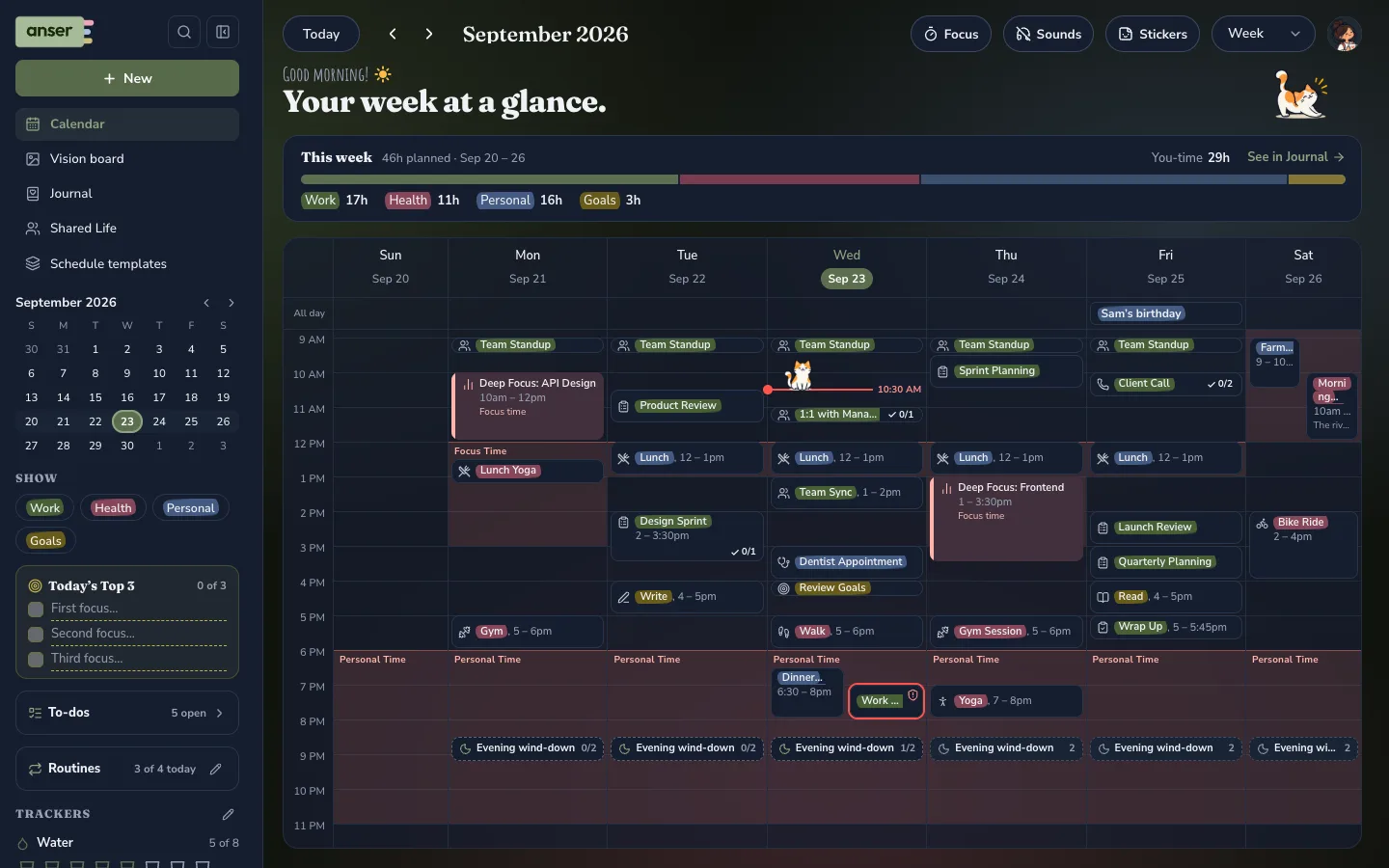
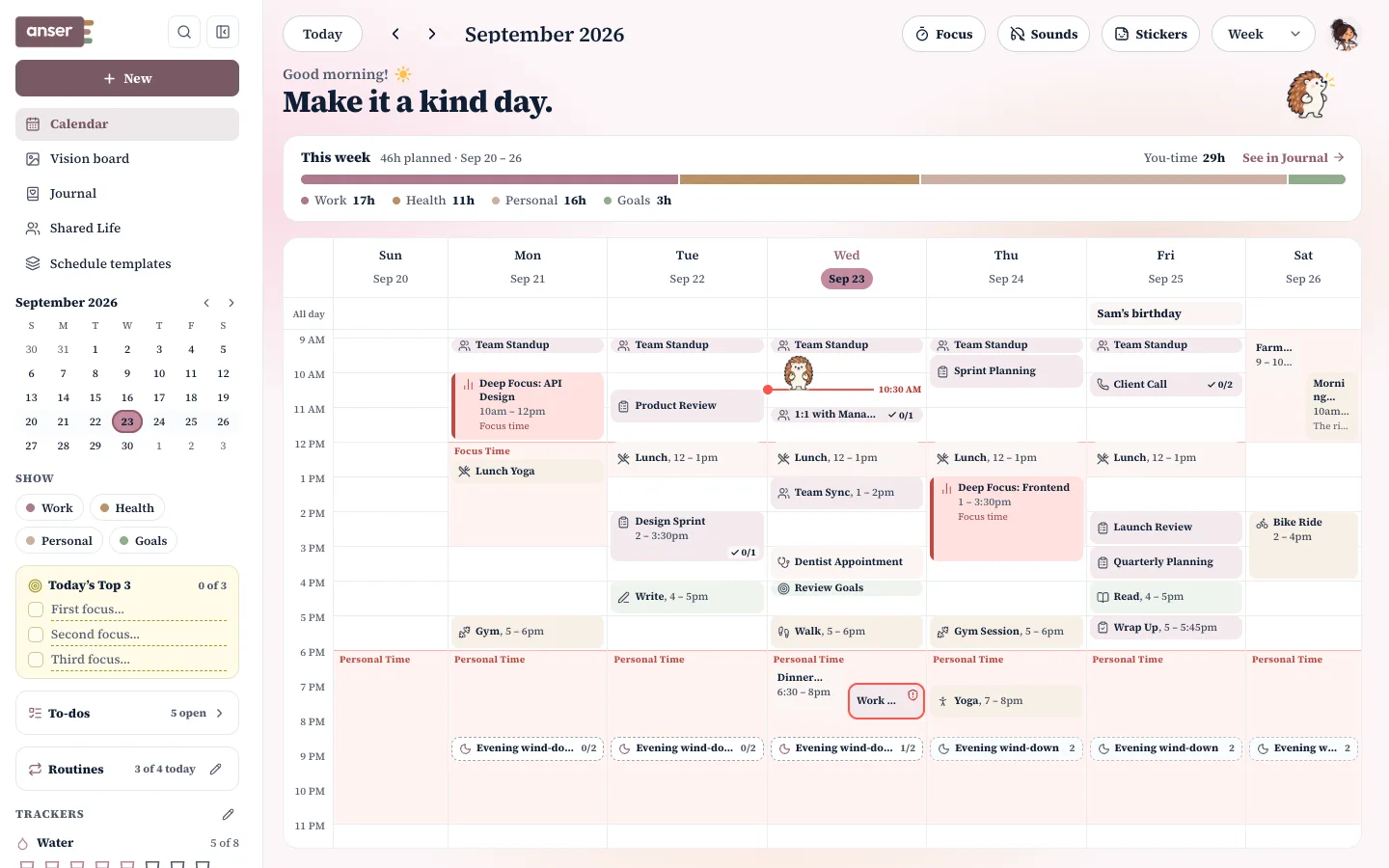
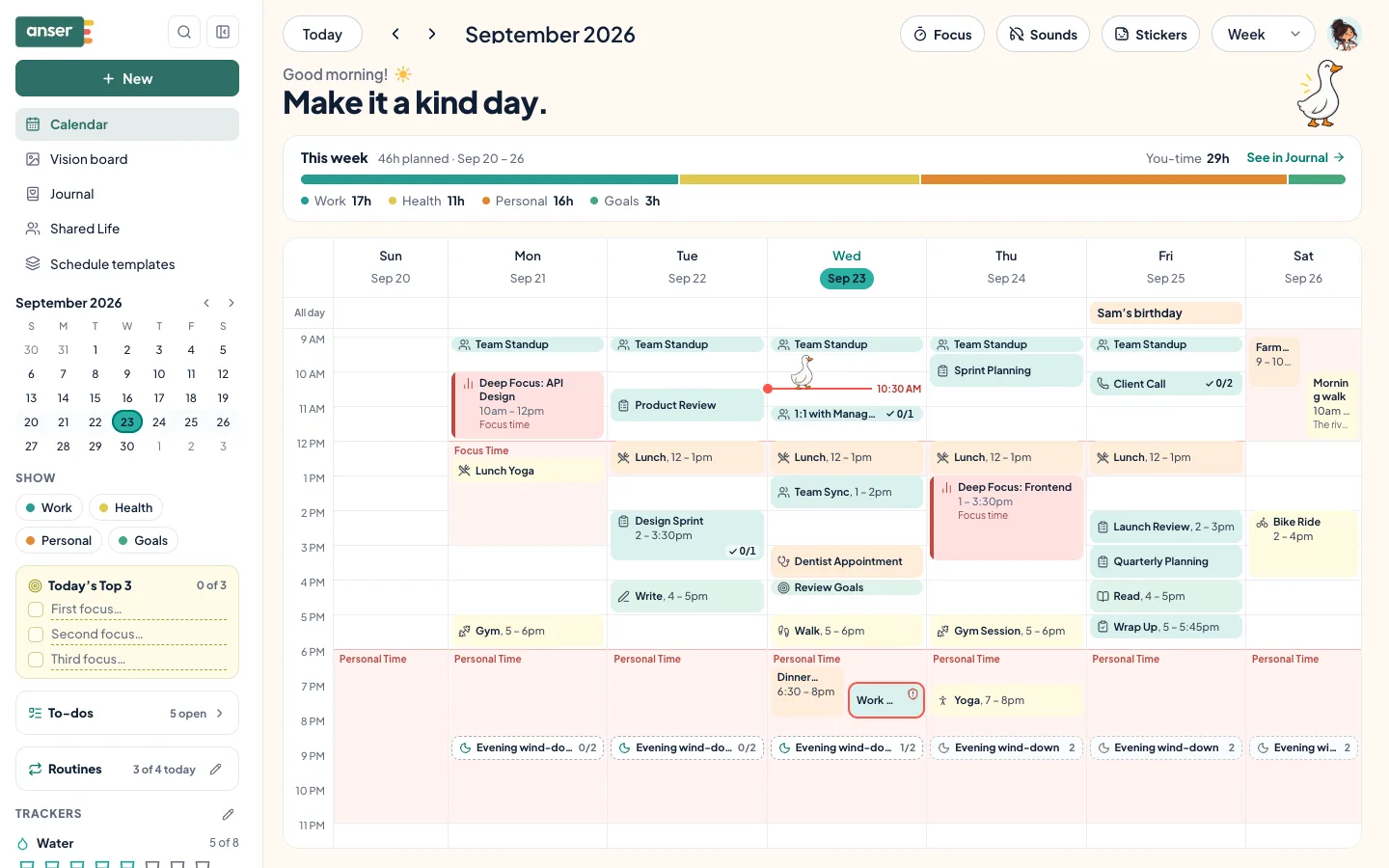
11ways to make Anser yours
- Style
- Palette
- Font
- Light or dark
- Companion
- Background
- Calendar surface
- Category look
- Monogram
- Planner cover
- Stickers
Mix them any way you like. Then add your own photo and stickers.
A QUICK DEMO
Try it on.
Like it? Start your free trial and Maple syrup opens on your own week, to keep or undo.
A few of each here: in Anser there are 18 palettes, and your own photo, monogram and stickers too.





EVERYTHING YOU CAN MAKE YOURS
Every setting, made for you.
THE LOOK
- Style, palette and font
- 6 styles, 18 palettes and 6 fonts, in light or dark
- Backgrounds
- Cream, watercolour paper, linen, dot grid, aura, or your own photo with blur or wash
- The calendar’s surface
- Solid, frosted or see-through
- Categories
- Soft tint, or outline, edge bar, bold, highlighter
YOUR MARK
- A monogram
- Letters or an emoji, 7 shapes, 7 finishes, any colour
- The logo
- Takes your palette’s colours
COMPANIONS AND STICKERS
- A companion
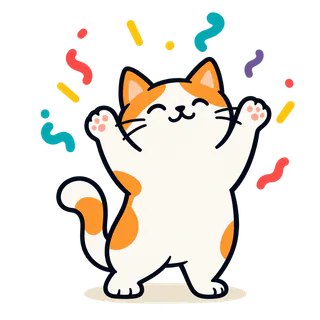
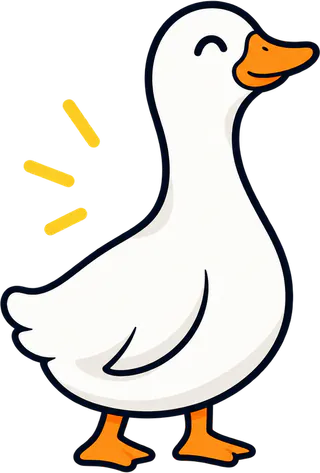
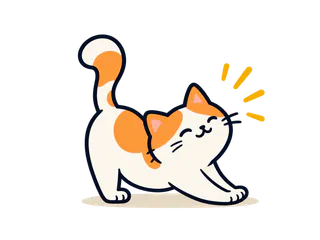
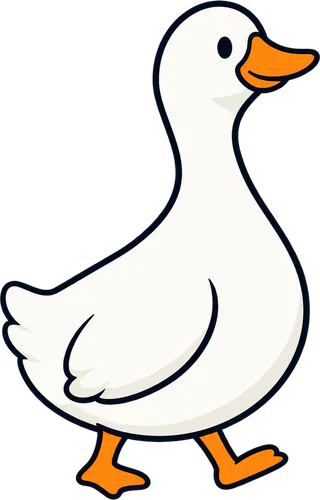
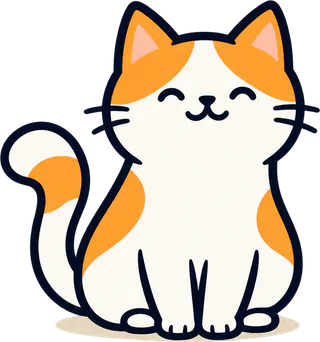
- A goose, hedgehog, puppy or kitty, or none
- Stickers
- A tray for your calendar, and your own stickers from a photo in 4 styles
YOUR PLANNER’S SHAPE
- Start from a template
- 10 ready-made weeks and routines
- Routines, trackers and countdowns
- Streaks, daily goals, and countdowns as sticky notes, cards or a list
- Your pages
- A vision board by year, quarter and month; photo strips in booth, film or row style; tables
YOUR WORDS
- Declines in your tone
- Warm, friendly, direct or your own words
- Your categories
- Rename them, hide them or add your own
COMFORT
- Accessibility
- Text size, contrast, motion and an easier-to-read font
- Sounds
- Cozy sounds and background ambience, off until you turn them on
- Everywhere
- Your look follows you to every device you sign in on
THE HARD PART’S DONE
We did the heavy lifting. You get the fun part.
The planner is already built for you: the same calm, clear week in every look, typed and easy to read. No pages to draw or set up. You go straight to the good bit (colours, fonts, companions, stickers and your own photo), while your events stay in sync with your real Google Calendar.
And there’s more
- Vision boardsFor the year, each quarter and each month
- NotesYour own, alongside your day pages
- TrackersWater, steps or anything, with a daily goal
- Focus timerRounds, breaks and your background sounds
- GoalsIn small steps, for your routines or your calendar
Questions, answered
Is Anser the most customizable digital planner?
It depends what you want to customize. For drawing your own layouts or building databases, a PDF planner or Notion gives you more control. For a planner that looks the way you like and works with your real Google Calendar, everything you can change is listed above.
Can I use my own photo?
Yes. In Settings › Appearance, choose Your photo as the background, and soften it with blur or a wash so your week stays easy to read. You can turn your own photos into stickers too.
Does my look follow me to my phone?
Yes. How Anser looks is saved to your account, so it follows you to every device you sign in on. A photo you add before signing in stays in that browser.
How does the free trial work?
You get 14 days free. No card needed. Anser reminds you in the app before the trial ends, and by email three days before and on the day it ends.
Can I change how Anser looks?
Yes, in Settings › Appearance. Pick a style (Summer Picnic, Minimal / Focus, Classic, Cozy or Hand-drawn), light or dark, a font, a colour palette and an accent. Choose the goose, the hedgehog, the puppy or the kitty as your companion, or turn it off and simple icons take its place. There’s also a monogram for your sidebar, cozy backgrounds, the weather beside your greeting, and five looks for categories.
Cozy has bubble lettering, with buttons and events flat or puffy. Hand-drawn looks like a paper planner, with handwriting and marker colours. Both use your own palette. Cozy wording swaps a few labels you see; nothing sent to other people changes.
Your companion breathes gently, and a tap gives it a little heart. Nothing is counted and nothing is earned. It stays still with reduced motion on, and in the Minimal and Classic styles.
Can I make Anser easier to read?
Yes, in Settings › Accessibility. Text size has four steps: Smaller, Default, Large and Larger. Anser also follows your browser’s own text size, and your browser’s zoom works too. Contrast follows your device until you pick a level: Softer, More or Most. You can also reduce motion and switch to an easier-to-read font. There’s more at anserplanner.com/accessibility.